Heart & Soul on Miyoo Mini Plus: Onion setup and saves
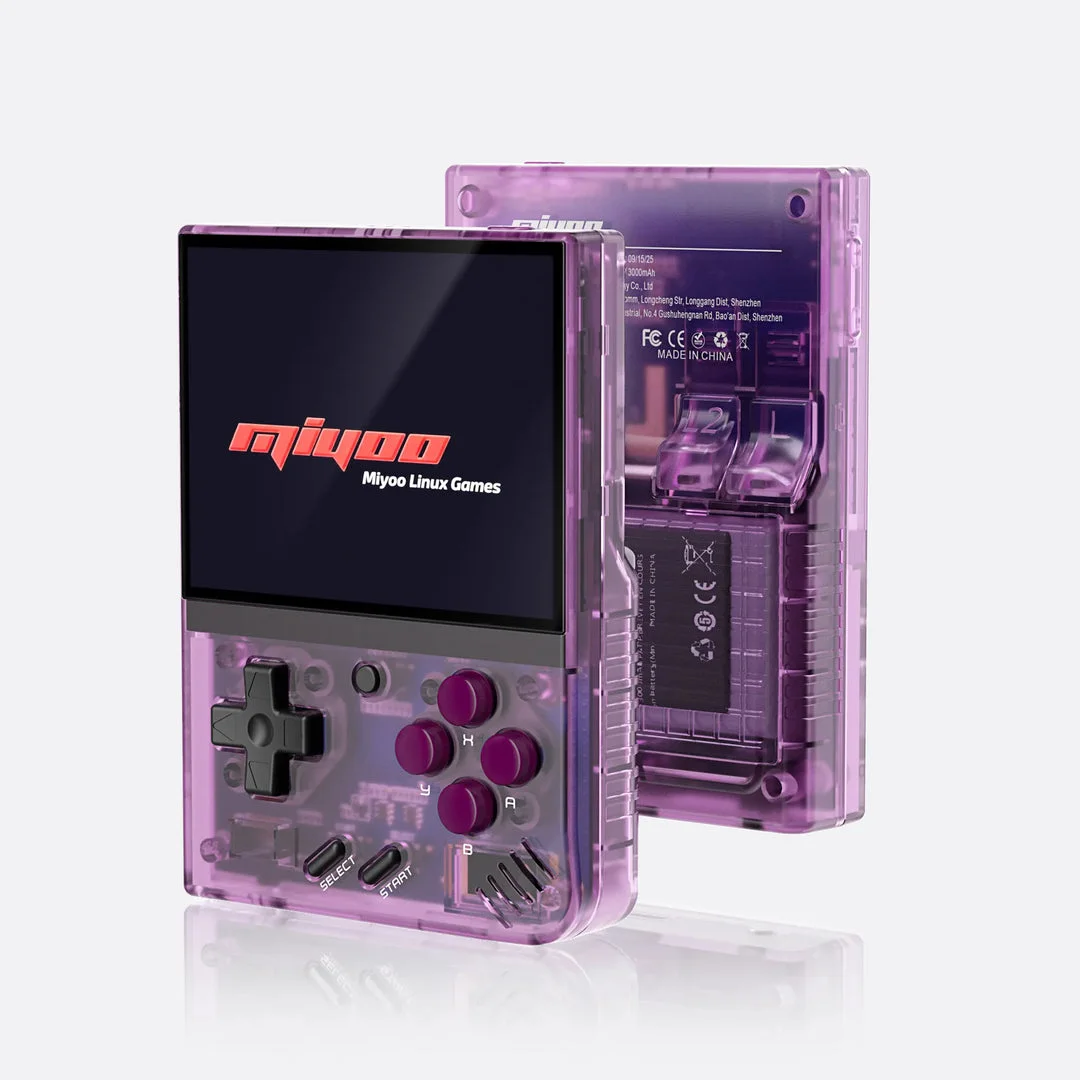
What you need
- A Miyoo Mini Plus with a supported Onion installation.
- The developer's Heart & Soul UPS patch and your legally obtained matching Emerald base.
- A backup of any existing game and save, plus access to the SD card.
Check your base file, then apply the UPS patch locally. The result is the game file you transfer.
Prepare Heart & Soul first
Heart & Soul is a GBA demake, not the Nintendo DS HeartGold/SoulSilver game. Use the creator's UPS patch with the matching Pokémon Emerald Version (U) base. Keep that base untouched and write the patched result to a new .gba file.
The catalog records version 2.0.6, checked on 27 Sep 2026. The earlier 2.0 documentation says saves from before 2.0 are incompatible. Check the developer's current release instructions for the patch asset and any later save rules; do not move a 1.x save into a 2.0 game.
Use the Mini Plus Onion setup
This guide covers the Miyoo Mini Plus using Onion, not the original Mini or an unidentified seller's stock card. Follow Onion's model-specific firmware and fresh-install instructions. Back up the card before formatting or changing software.
Onion documents mGBA as its default GBA core. Enable GBA in Package Manager, then copy your patched .gba file into Roms/GBA on the SD card. From the Games tab, press SELECT and choose Refresh all roms. Open the game from the GBA list.
Check the first session before committing your save
Confirm the Heart & Soul title screen, start a fresh game and check the D-pad, A/B, shoulder buttons and Start/Select. Use the game's own Save command, close the emulator normally, then reopen and verify Continue. Do this before a long play session.
Check the game clock and time-dependent features during your first session and after restarting the handheld. Hardware clock behavior for your exact Mini Plus revision has not been verified here. Do not change clock settings or use fast-forward as a workaround for a problem until you understand the game's instructions.
Moving an existing save to Onion
Make a separate backup first and verify that the save belongs to a compatible Heart & Soul version. Onion documents in-game saves under Saves/CurrentProfile/saves/[CORENAME]. Use the directory for the core actually running the game and match the save filename to the patched game filename, including case.
Onion normally uses .srm saves; its FAQ says .sav files can be renamed to .srm, while other formats may require conversion. Work on a copy. Back up existing states too: an automatically loaded old state can hide the imported in-game save. Follow Onion's instructions to disable automatic state loading or move the conflicting states aside, then verify Continue.
If the game is missing or will not load
For a missing entry, check Roms/GBA, the .gba extension, whether GBA is enabled and the refreshed game list. A .ups patch by itself is not playable. For a patch checksum error, recheck the exact Emerald base against the developer instructions.
For a crash or incorrect save, preserve the failing files and backup. Record the Heart & Soul version, patch, base revision, Onion version and core before troubleshooting. Try a fresh start without importing an old state to distinguish a loading problem from save migration. This page provides a documented setup path, not a promise that every feature or scene runs correctly.
Continue with game and device details
Pokémon Heart & Soul game profile · Miyoo Mini Plus with Onion overview · First-playthrough game settings · General GBA setup checklist.
Sources
- Heart & Soul developer documentation (2.0.4 scope)
- Heart & Soul release list: check your exact version
- Onion: firmware and model requirements
- Onion: fresh installation and game folders
- Onion: GBA cores
- Onion: save import and automatic states
No ROM, BIOS, prepatched game or affiliate buying links.
Based on the creator's documentation, checked 4 Oct 2026. Not hands-on tested unless a section says 'We played it'.
How we check