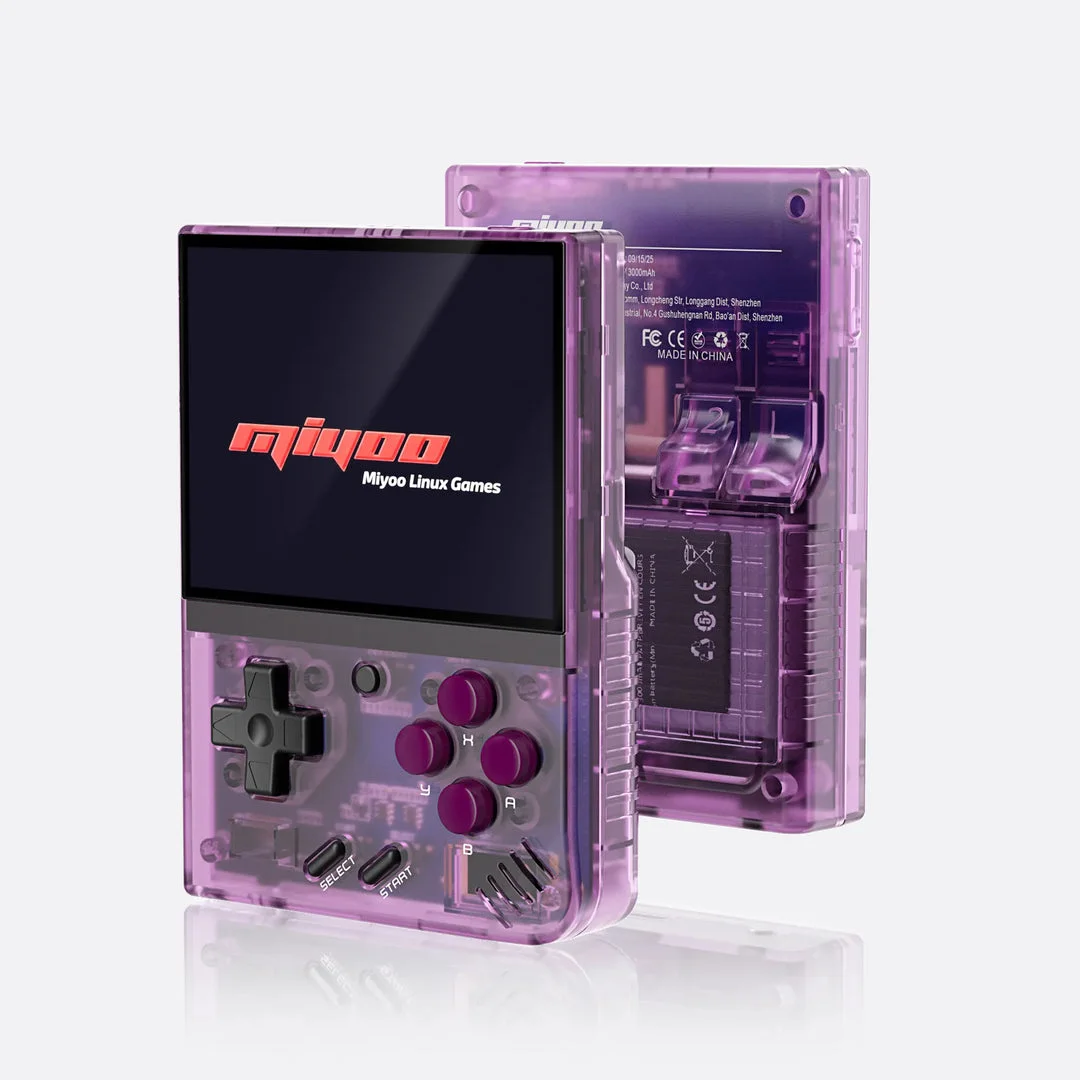
Miyoo Mini Plus with Onion
GameSwitcher: return to the right Pokémon session
Load Pokémon cheat files in Onion RetroArch
Recover a Pokémon black-screen auto-resume loop
Sharing Mini Plus? Check separate Pokémon progress in Onion Guest Mode
Pokémon screen settings: integer scaling, aspect ratio and game overrides
Mini Plus versus RG35XX SP: compare Pokémon setup and lid behavior
Miyoo Mini Plus Wi-Fi file transfer: games and Pokémon saves
Update Onion and protect Pokémon saves
Miyoo Mini Plus Pokémon fast-forward: Onion controls and checks
Miyoo Mini Plus Pokémon clock: RTC, WiFi and daily-event checks
Miyoo Mini Plus GBA games not showing? Onion checklist
Pokémon save not loading? Follow the Onion troubleshooting checklist
TrimUI Brick or Miyoo Mini Plus: compare Pokémon setup and moving saves
Documented specifications and setup
Model covered: Mini Plus (MMP), using the documented Onion 4.3 setup. These details come from the named sources, not our measurements.
| Feature | Listed specification | Source |
|---|---|---|
| Software scope | Onion 4.3 documentation for the Miyoo Mini Plus; separate from the original Mini | Onion developers: model and firmware requirements |
| GBA emulator | mGBA is the documented default; additional cores are available | Onion developers: GBA emulators and file formats |
| GBA game folder | Roms/GBA on the SD card | Onion developers: fresh SD-card setup |
| GBA file format | .gba is supported; apply the ROM-hack patch before copying the result | Onion developers: GBA emulators and file formats |
| SD-card format | FAT32 for the documented fresh installation | Onion developers: fresh SD-card setup |
What to check before buying
Match the model and firmware
Use the Mini Plus tab in Onion's installation guide. Check the installed firmware before installing; instructions for the original Mini are different. Read the official explanation
Prepare the SD card
Back up existing files before formatting. Install Onion using its fresh-install guide, enable GBA, copy your patched game into Roms/GBA and refresh the game list. Read the official explanation
Check the emulator core
Follow the hack creator's requirements. Onion documents mGBA as the default; changing cores can change settings and save-state handling. Specific hack performance has not been tested here. Read the official explanation
Check the item you are buying
Confirm the exact Mini Plus model, installed software, included SD card and return terms. No seller stock, price, screen measurements or battery runtime has been verified here.
Hands-on findings
No original tests have been recorded. We do not give an FPS estimate, battery-life verdict, review score or blanket game-compatibility recommendation from specifications alone.
ROM hacks and standalone games
Compare Retroid Pocket 5 and Miyoo Mini Plus for Pokémon
Compare Miyoo Mini Plus with Onion and Steam Deck for GBA ROM hacks.
First identify the installation format. A ROM hack needs its matching base game and a suitable way to run the patched file. A standalone fangame has separate runtime and operating-system requirements. The device specifications above do not verify either game on this unit.
Read standalone games versus ROM patches, check the catalog's platform requirements or use the game Finder. The ROM checker and ROM patcher process your own files locally; they do not certify handheld performance.
Sources and buying links
- Onion developers: model and firmware requirements
- Onion developers: GBA emulators and file formats
- Onion developers: fresh SD-card setup
Sources are the manufacturer or software developers named above. There are no affiliate buying links on this page. Specifications and software can change; check the exact device and game before buying.
Based on the creator's documentation, checked 4 Oct 2026. Not hands-on tested unless a section says 'We played it'.
How we check