Retroid Pocket 5 or Miyoo Mini Plus for Pokémon?
Compare the setup you will use: an Onion game library on the Mini Plus, or separate Android apps on the Pocket 5. Start with GBA or DS before choosing the device.
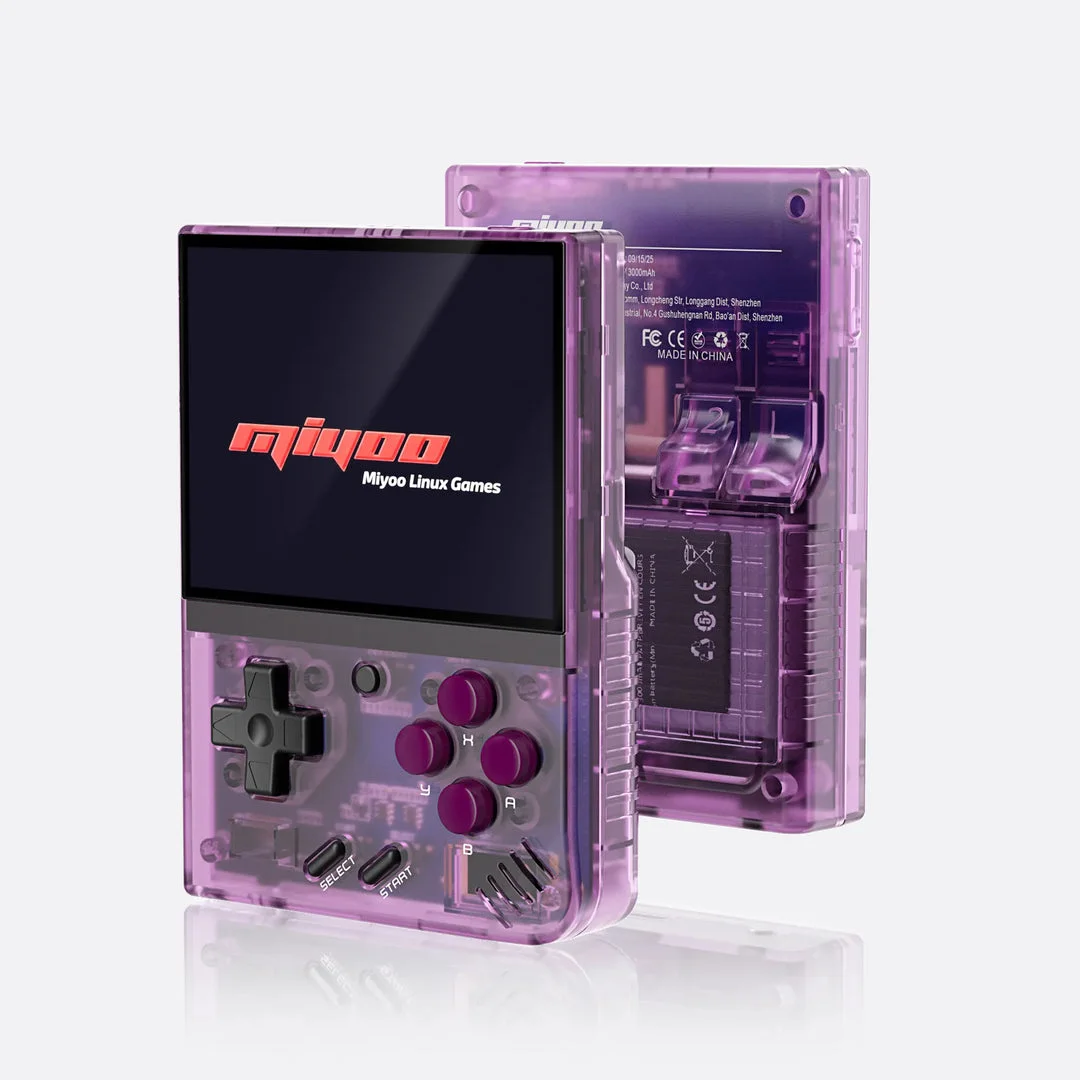
Miyoo Mini Plus with Onion
A retro handheld setup using Onion's documented GBA emulator cores. Check the exact Plus model and firmware before preparing the SD card.
Setup and device details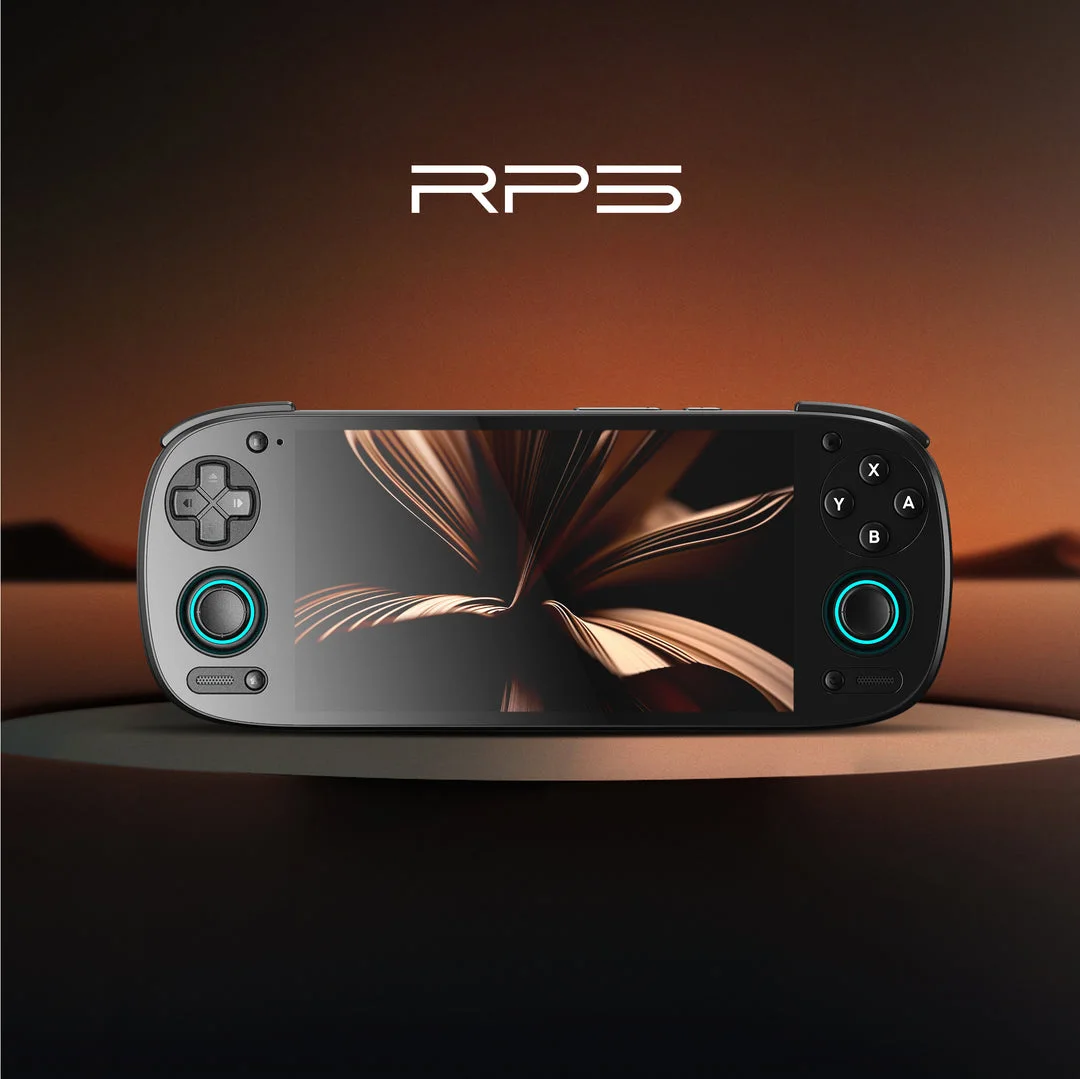
Retroid Pocket 5 (Android)
An Android handheld path for GBA and Nintendo DS Pokémon. Use separate emulator setups and check controls, screen layout and in-game saves.
Setup and device detailsAlready own one? Decide what is actually missing
Choose one specific unmet task before choosing a device: a particular DS game, readable text, touch input or a standalone runtime. A longer list of theoretical platforms does not establish a better experience for the Pokémon game you play most.
- Record your current game and the task that fails or feels uncomfortable.
- Follow the matching software guide and check whether configuration resolves it.
- If considering another device, look for an observation naming that same game, software and controls.
- Include storage, backup effort and return terms in the decision.
On Mini Plus, investigate text and image scaling before treating screen coverage alone as the problem. On Retroid, check DS launcher and save behavior separately from the Infinite Fusion runtime path. These are troubleshooting choices, not new hands-on results or measured purchase recommendations.
What changes between the two?
| Playing task | Miyoo Mini Plus with Onion | Retroid Pocket 5 with Android |
|---|---|---|
| GBA emulator | Onion's documented default mGBA core | RetroArch Android with its mGBA core |
| Setup work | Check Plus firmware, prepare Onion SD card and enable GBA | Install Android emulator apps, choose core and configure file access |
| Patched game | Copy .gba to Roms/GBA; refresh library | Open the patched .gba in the configured GBA core |
| GBA saves | Follow the Onion save/core folder instructions | mGBA core .srm files in RetroArch's configured Save directory |
| DS path covered here | Not assessed in this comparison | Separate melonDS Android port; check two-screen layout and input |
If GBA Pokémon is your main goal
Investigate the Mini Plus when you prefer maintaining an Onion SD-card library. Investigate the Pocket 5 when you prefer Android apps and their separate settings. These are setup tradeoffs, not a comfort or performance ranking.
Use the same creator-approved patch and matching base revision on either route. Verify controls, in-game saving and Continue before settling into a playthrough. Clock-dependent events and fast-forward need checks with your exact game and emulator.
- Pokémon Unbound — check its patch and save requirements.
- Pokémon Heart & Soul — check its patch and save requirements.
- Pokémon Inclement Emerald — check its patch and save requirements.
If you also want DS Pokémon
The Pocket 5 page covers the separate melonDS Android port, its layout editor and save-directory behavior. Try the lower-screen menus and touch input with your game. The port lists local multiplayer as a missing feature; do not assume trading works.
- Pokémon Renegade Platinum — use the creator's xdelta instructions, then a DS emulator.
Compare documented DS handheld paths. Steam Deck offers a separate SteamOS path.
Moving your progress
Back up your in-game save before changing device, emulator or hack version. Check the destination save directory, format and game filename. Test a copy and keep the original until Continue loads the correct progress. A save state is not a portable substitute for the cartridge save.
Make a shortlist from the game you play most
| Priority | First investigation | What remains to verify |
|---|---|---|
| One GBA adventure in an SD-card library | Mini Plus Onion workflow and the current game's core requirement | Readability, controls and saving |
| GBA through Android apps | Pocket 5 RetroArch setup and actual save directory | App access and game-specific input mapping |
| DS touch menus | Pocket 5's separate melonDS Android path | Both-screen layout and the lower-screen task |
| A standalone fangame | The project's documented Android runtime requirements | That game's runtime, input and progress handling |
These priorities select documentation to read, not a performance winner. If the main task is already reliable on a device you own, name the additional task before buying another one.
Example: someone playing one GBA campaign on Mini Plus does not gain evidence about that campaign by installing unrelated Android apps. Someone who specifically wants DS lower-screen interaction should investigate the Android DS path rather than treating GBA success as sufficient.
Understand what you will maintain on Android
Record which app opens each game and which app owns its save. A frontend is a way to start content; it does not make every emulator use one shared configuration. An app, core or game update can affect a different part of that route.
- Establish a direct launch in the intended app.
- Verify the intended game, controls and Continue there.
- Configure a frontend afterwards, then repeat the same checkpoint.
- If progress differs, compare launch identity and storage before importing another copy.
For GBA, follow the mGBA cartridge-save import guide. For DS, follow direct/frontend storage checks. These are separate workflows; do not combine their paths or file types.
For Onion, the alternative maintenance task is knowing your selected core, card library and progress profile. Neither maintenance model eliminates the need for a readable backup.
Pocket 5 versus Mini Plus questions
Does a standalone Android route mean every fangame works?
Check each project's runtime and support boundary. A documented path for Infinite Fusion does not establish a universal fangame installer.
Should I transfer and update the hack together?
Establish the same-build transfer first where compatible. Keep a device change separate from a creator-specific release migration.
Before you buy
Check the exact model, condition, included storage, delivery and return terms. No live prices, stock or affiliate links are tracked here. Manufacturer specifications describe hardware; they do not prove how your particular hack plays.
Sources
- Onion developers: model and firmware requirements
- Onion developers: GBA emulators and file formats
- Onion developers: fresh SD-card setup
- Retroid: Pocket 5 listed specifications
- Libretro: RetroArch Android installation
- Libretro: mGBA core and saves
- melonDS Android port: setup and save behavior
Primary manufacturer/developer sources checked 4 Oct 2026. Product photos identify the devices and are credited separately; they are not original test photos.
Based on the creator's documentation, checked 4 Oct 2026. Not hands-on tested unless a section says 'We played it'.
How we check