Play Pokémon on a handheld.
Start with the Pokémon game you want to play. Its platform determines the emulator, file format and controls you need; then choose the handheld around that setup.
Find your Pokémon handheld setup
Choose your game's platform and the software setup you prefer.
6 documented GBA setup paths match your choices.
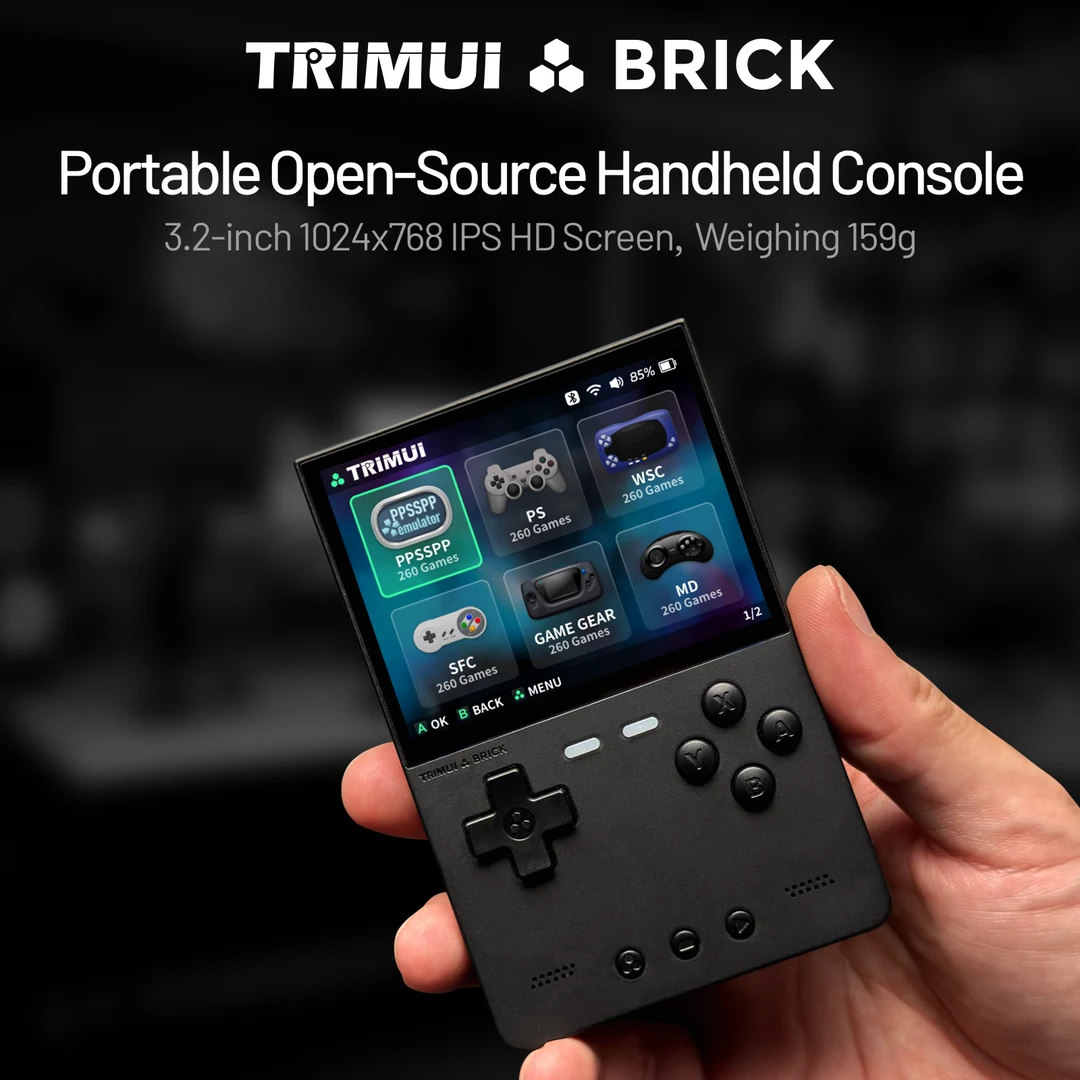
TrimUI Brick with KNULLI
Compact KNULLI path with text, controls and toggle-switch checks.
Open setup and save checks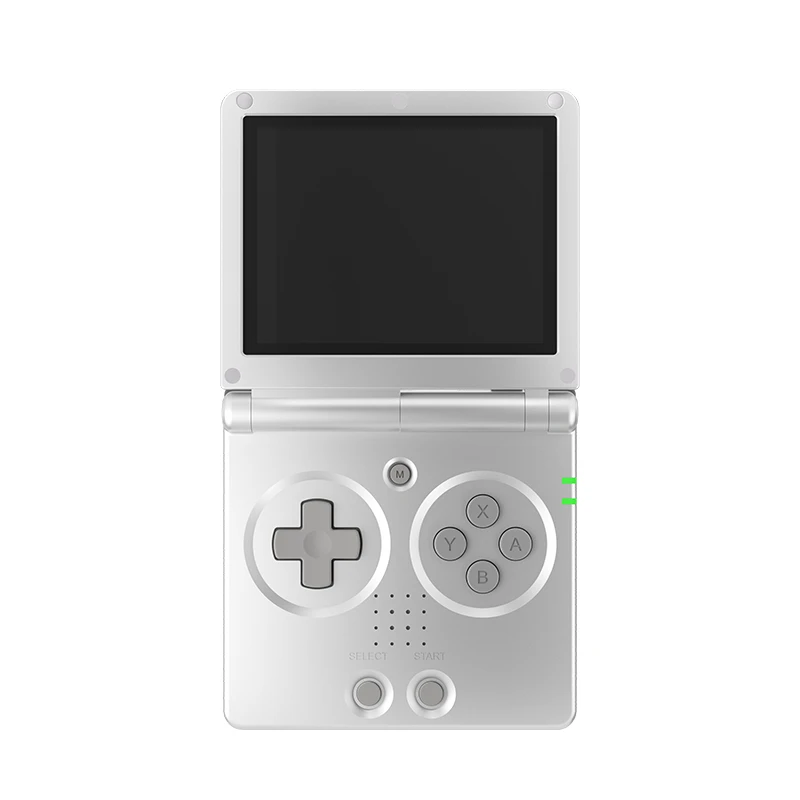
Anbernic RG35XX SP with KNULLI
Clamshell KNULLI setup with lid-close and in-game save checks.
Open setup and save checks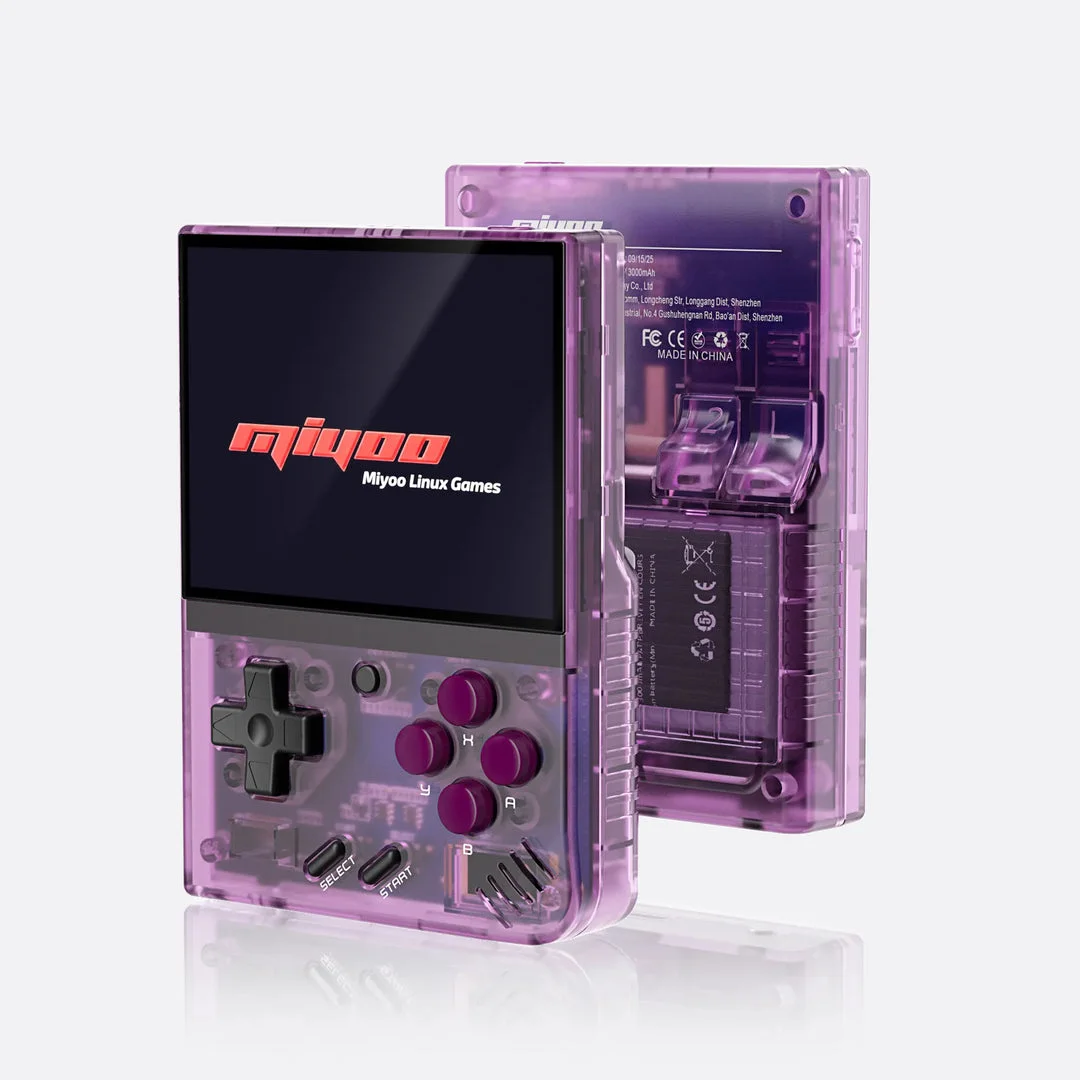
Miyoo Mini Plus with Onion
Onion SD-card library and documented GBA core setup.
Open setup and save checks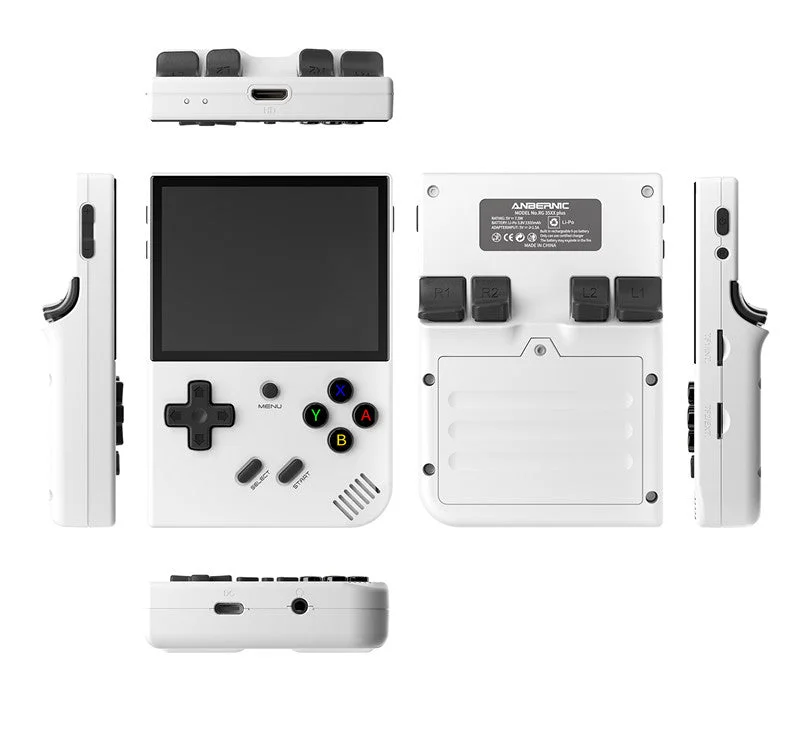
Anbernic RG35XX Plus with KNULLI
KNULLI SD-card setup with per-game emulator configuration.
Open setup and save checks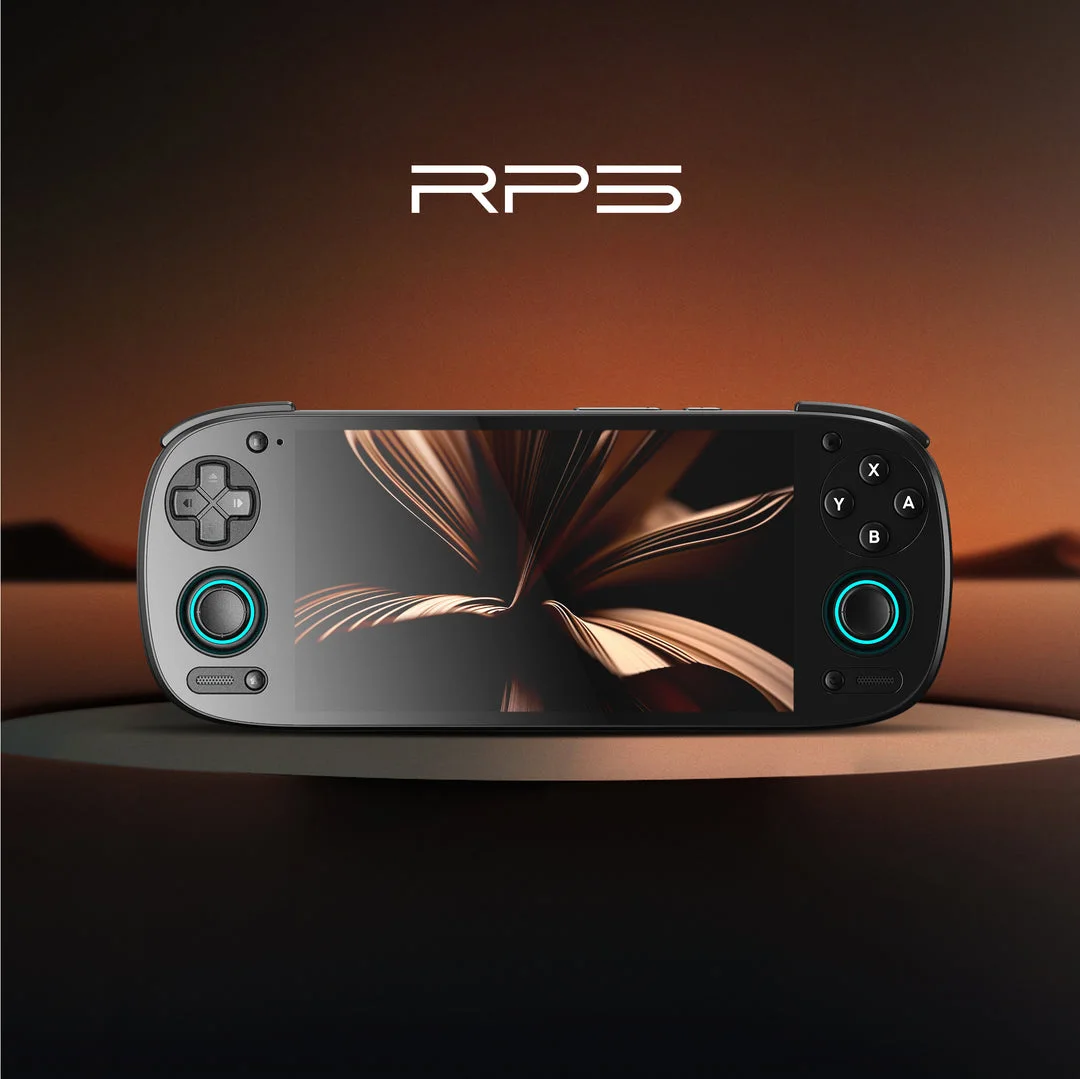
Retroid Pocket 5 (Android)
Separate Android emulator paths for GBA and DS; check each app's controls and saves.
Open setup and save checks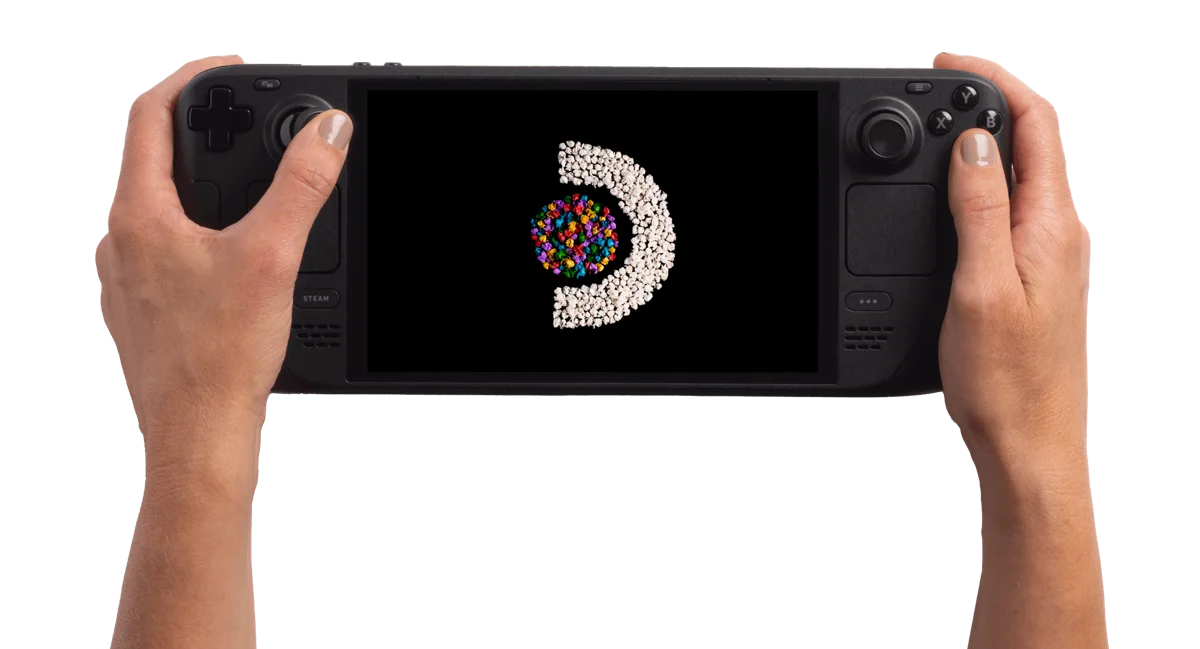
Steam Deck OLED 512GB
EmuDeck documentation for mGBA and melonDS on SteamOS.
Open setup and save checksThese matches describe our documented software paths, not tested-game recommendations. Check the exact hack, emulator and device before buying. If you already own a matching device, try its setup first.
Write down the platform before choosing hardware
A Pokémon name, region or familiar art style is not enough to identify its runtime. Open the game profile and read the platform and distribution fields. Then choose the corresponding setup path.
| Game route | Prepare | Investigate next |
|---|---|---|
| GBA patch project | Creator patch and exact matching base | GBA emulator, controls and saving |
| DS patch project | Required DS base and supported patch tool | Two screens, touch and DS saves |
| GB/GBC project | Its patch or source-build instructions | GB/GBC emulator and clock checks |
| Standalone fangame | Complete package and supported OS/runtime | Project-specific installation requirements |
Example: Heart & Soul's Johto adventure uses the GBA path in our catalog. A Crystal-based Johto project follows a different platform and may use source compilation. Choose from those recorded requirements instead of sorting hardware by the story's region.
Establish one working session before expanding your setup
- Record one game release, one emulator/core and one launch route.
- Check movement, confirm/cancel, needed shoulder buttons and any touch interaction.
- Read ordinary dialogue and small menu labels at your normal playing distance.
- Save in-game at a recognizable checkpoint, close normally and verify Continue.
- Locate and back up the actual progress file before changing device or game release.
This baseline gives you something to compare. If controls work directly in the emulator but change through a frontend, investigate that launch route. If the game opens but Continue is missing, investigate progress files. Neither observation is automatically a reason to buy different hardware.
GBA Pokémon adventures
Compare handheld setup paths for GBA Pokémon
- Pokémon Unbound — check its base game, patch and creator requirements before setup.
- Pokémon Heart & Soul — check its base game, patch and creator requirements before setup.
- Pokémon Inclement Emerald — check its base game, patch and creator requirements before setup.
These are GBA ROM-patch projects from our catalog, not games we have tested on every handheld. Use the GBA emulator guide to connect your chosen game to the software on your device.
Game Boy and Game Boy Color
GBC handheld setup, clock checks and saves
A Johto-themed game is not always a DS game. Crystal-based projects are GBC games; the Heart & Soul demake above is GBA. Use the platform recorded on each profile rather than its story or title.
- Pokémon Polished Crystal — Game Boy Color; follow its documented source-build instructions.
- Pokémon Crystal Legacy — Game Boy Color; follow its documented source-build instructions.
Crystal Legacy and Polished Crystal use source-build workflows in our catalog, not the browser patcher. On SteamOS, EmuDeck documents mGBA for GB, GBC and GBA. On another handheld, check its firmware's GB/GBC core separately. Keep your in-game save backed up before switching emulator or game version.
Nintendo DS: plan for two screens
Choose a handheld setup for Nintendo DS Pokémon
- Pokémon Renegade Platinum — Nintendo DS; follow the creator's patch instructions.
A DS game needs a DS emulator, not mGBA. For Steam Deck, use the melonDS setup guide. Check how both screens fit, how you reach touch input and how you swap screens before a long session. The guide documents screen-layout settings; the Deck overview describes its hardware.
Renegade Platinum uses an xdelta patch. Our browser patcher supports IPS, UPS and BPS, so use the creator's documented xdelta tool for that project. A GBA-capable retro handheld is not automatically a good DS choice; individual-game performance remains untested here.
Three paths to handheld play
| Your starting point | What to investigate | Before you buy |
|---|---|---|
| A console's official game library | A handheld in that console ecosystem | Check the exact model's game support, physical or digital formats, and account requirements. |
| Classic games and ROM hacks | A device with a suitable emulator or original compatible hardware | Check support for the base platform, emulator features and the creator's requirements. A platform label alone is not a device test. |
| PC games and standalone fangames | A handheld computer with a compatible operating system or runtime | Check the game's official requirements, controller support and exact software setup. A ROM patcher does not install a standalone game. |
A device can cover more than one path. Verify each game separately instead of assuming that a handheld runs everything.
Check the things you will notice while playing
- Controls: the D-pad, sticks, shoulder buttons and touch or keyboard input your games require.
- Screen: readable text and useful scaling for your games, rather than resolution alone.
- Comfort: weight, grip and whether you can comfortably reach the controls.
- Portability: device size, case, charging and the length of your normal sessions.
- Setup: installation, updates, saves and the amount of troubleshooting you are willing to do.
- Total cost: the device plus any storage, case, charger or game purchases you actually need.
For battery life and game speed, prefer measured results with the device, software and settings stated. Specifications alone cannot establish your playing experience.
Game preparation and tools
Standalone fangames and official console games
Standalone Pokémon fangames need their own operating-system or runtime setup; they are not GBA or DS patches. Official console releases belong to their supported console ecosystem. Check the exact game's requirements before choosing hardware.
Setup sources checked 4 Oct 2026. The linked projects are catalog examples, not games tested by Pocket Deal Radar on every handheld.
How to read a device review
A specification overview should name its sources. A hands-on review should identify the tested unit, games, software versions and settings, and show original observations. Keep those two kinds of evidence separate when deciding what to buy.