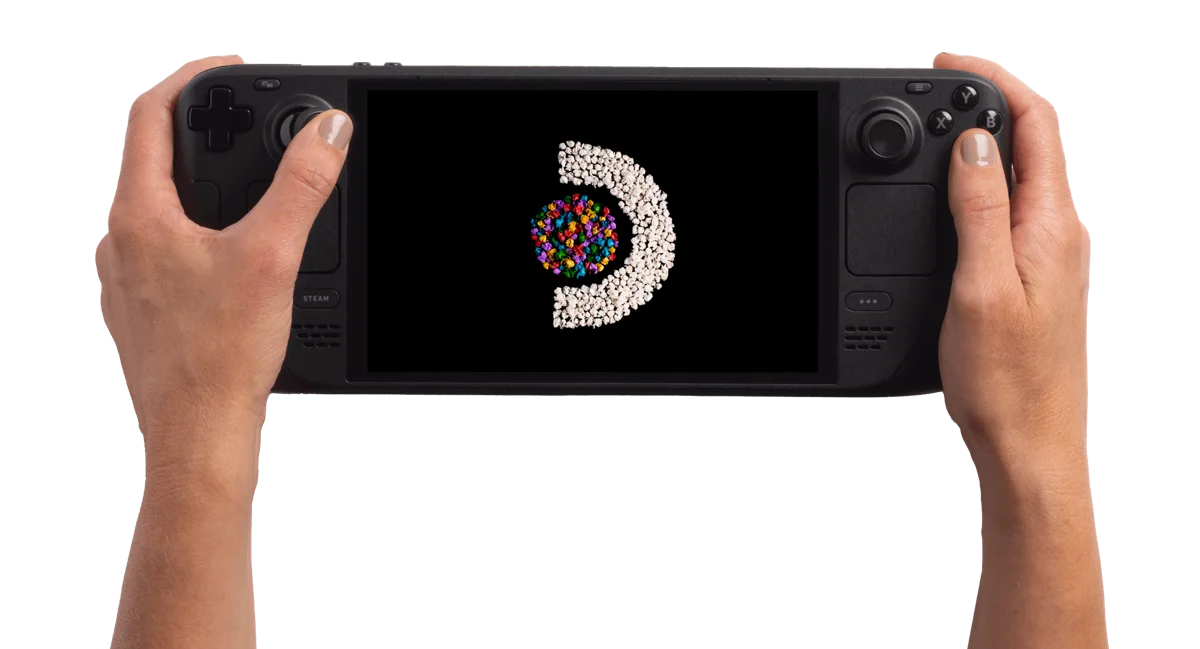
Steam Deck OLED 512GB
Standalone mGBA cheat menus and matching-code checks
mGBA fast-forward and Steam Input hotkeys
Keep separate Pokémon playthroughs with standalone mGBA player saves
Infinite Fusion updates: protect saves and keep the existing Steam entry
Pokémon GBA trading on Steam Deck: local mGBA setup
Steam Deck DS screen layout: readable Pokémon menus in melonDS
Pokémon GBA game not launching on Steam Deck? mGBA checks
Can you play Pokémon on Steam Deck?
Yes, through emulation. Game Boy, Game Boy Color and Game Boy Advance games use an emulator such as mGBA. Nintendo DS games use an emulator such as melonDS. EmuDeck documents setup on SteamOS; games are not included.
For a GBA ROM hack, apply its patch to the matching base game, then open the patched file in the emulator. Standalone Pokémon fangames have different requirements and need a separate compatibility check. Use game files you are legally entitled to use.
We have not tested individual Pokémon games on this device, so this is a setup route rather than a measured performance result.
Start with a game profile: Pokémon Unbound, Pokémon Heart & Soul, Pokémon Inclement Emerald. Then follow the GBA emulator and save setup guide.
Documented specifications and setup
Model covered: OLED, 512GB storage configuration. These details come from the named sources, not our measurements.
| Feature | Listed specification | Source |
|---|---|---|
| Operating system | SteamOS 3, Arch-based | Valve: OLED technical specifications |
| Screen | 7.4-inch HDR OLED touchscreen; 1280 × 800; up to 90 Hz | Valve: OLED technical specifications |
| Storage | 512GB NVMe SSD; microSD expansion | Valve: OLED technical specifications |
| Memory | 16GB LPDDR5 | Valve: OLED technical specifications |
| Controls | D-pad, two analog sticks, two trackpads and four assignable grip buttons | Valve: OLED technical specifications |
| Battery capacity | 50 Wh; capacity is not a measured runtime | Valve: OLED technical specifications |
| Size and weight | 298 × 117 × 49 mm; approximately 640 g | Valve: OLED technical specifications |
What to check before buying
Check each Steam game
Valve separates verified, playable and unsupported games from games it has not checked yet. Playable games can involve manual adjustments. Open the compatibility details for your actual games. Read the official explanation
Do not assume a Windows download installs directly
SteamOS is Linux-based and uses Proton as a compatibility layer. Check the game's requirements and instructions; this page does not establish compatibility for a particular fangame or external launcher. Read the official explanation
Match the controls and size to your use
Think about D-pad play, mouse-style input, text readability and carrying space. The listed controls and dimensions describe the hardware; comfort and game performance still need real use.
Check the exact configuration and total price
This page covers the OLED 512GB configuration, not the LCD model or the 1TB configuration. Check the seller's exact item, warranty and any accessories you need. No live price or stock is tracked here.
Hands-on findings
No original tests have been recorded. We do not give an FPS estimate, battery-life verdict, review score or blanket game-compatibility recommendation from specifications alone.
ROM hacks and standalone games
Compare Retroid Pocket 5 and Miyoo Mini Plus for Pokémon
Compare Miyoo Mini Plus with Onion and Steam Deck for GBA ROM hacks.
First identify the installation format. A ROM hack needs its matching base game and a suitable way to run the patched file. A standalone fangame has separate runtime and operating-system requirements. The device specifications above do not verify either game on this unit.
Read standalone games versus ROM patches, check the catalog's platform requirements or use the game Finder. The ROM checker and ROM patcher process your own files locally; they do not certify handheld performance.
Sources and buying links
Sources are the manufacturer or software developers named above. There are no affiliate buying links on this page. Specifications and software can change; check the exact device and game before buying.
Based on the creator's documentation, checked 4 Oct 2026. Not hands-on tested unless a section says 'We played it'.
How we check