GBA handhelds for Pokémon games and ROM hacks
Choose between Onion, KNULLI, Android and SteamOS handheld setups. Start with the game's patch requirements, then check the emulator and your saves.
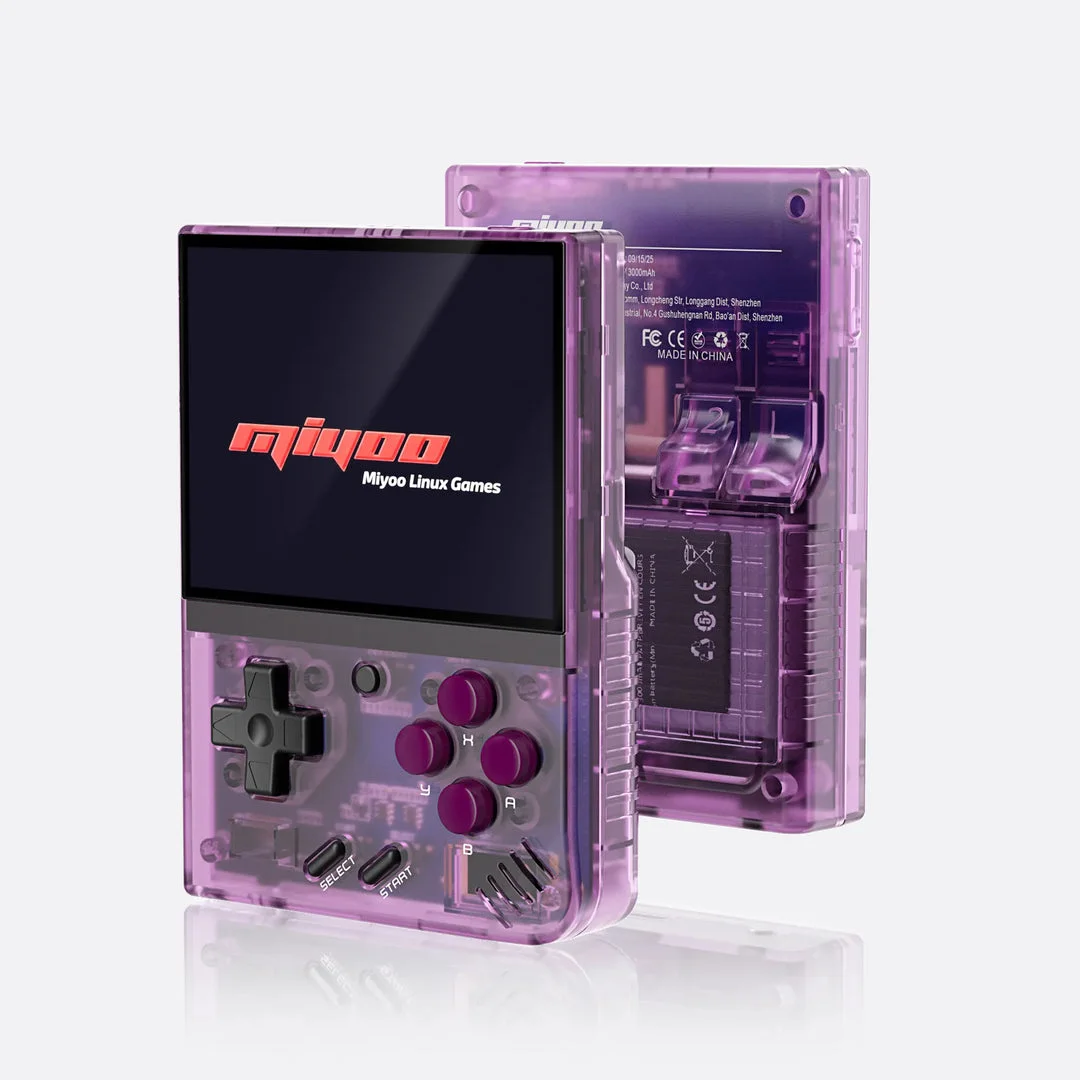
Miyoo Mini Plus with Onion
A retro handheld setup using Onion's documented GBA emulator cores. Check the exact Plus model and firmware before preparing the SD card.
Setup and device details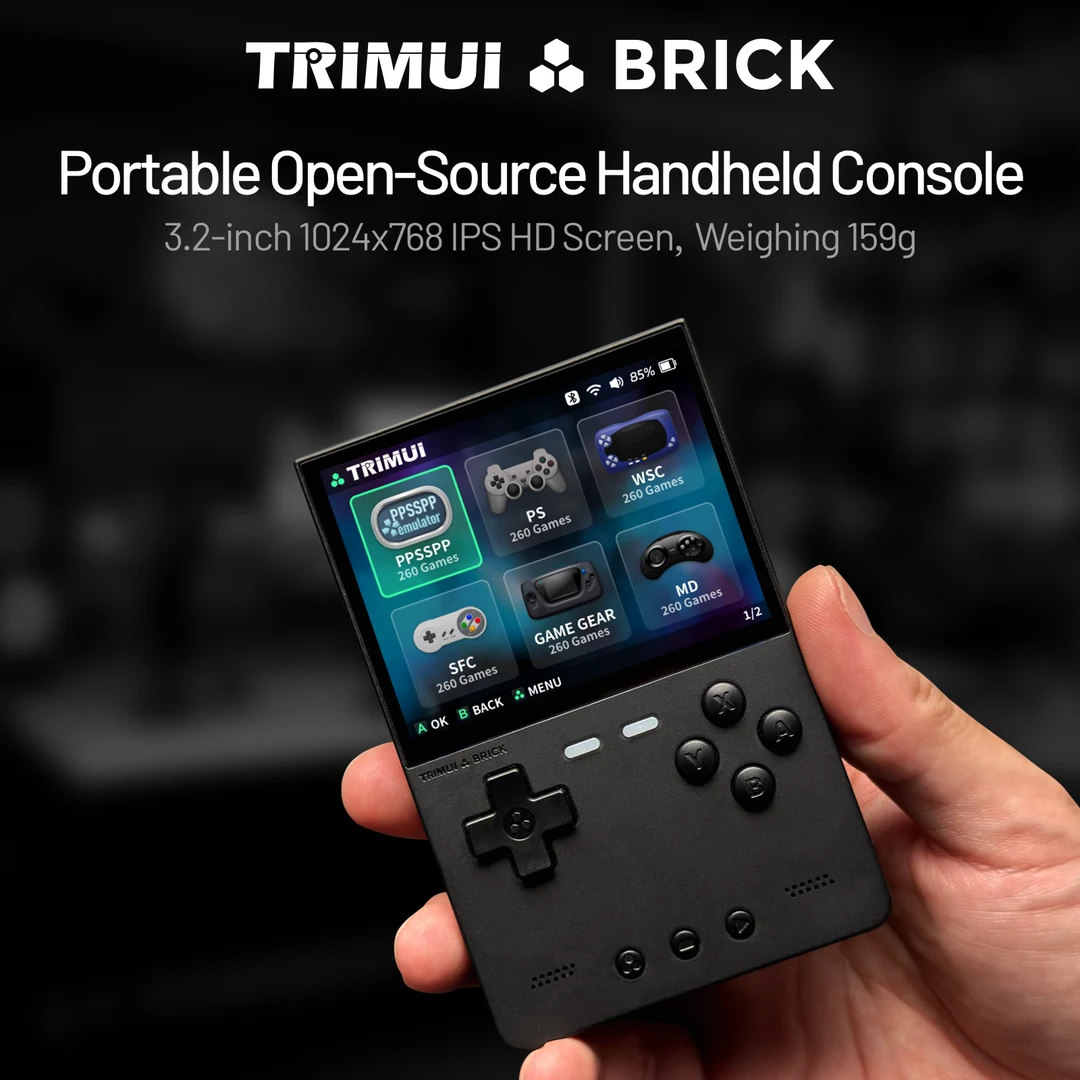
TrimUI Brick with KNULLI
A compact vertical Pokémon handheld path. Prepare a patched GBA game, check text and shoulder controls, and configure the Brick's toggle switch without confusing it with save or fast-forward controls.
Setup and device details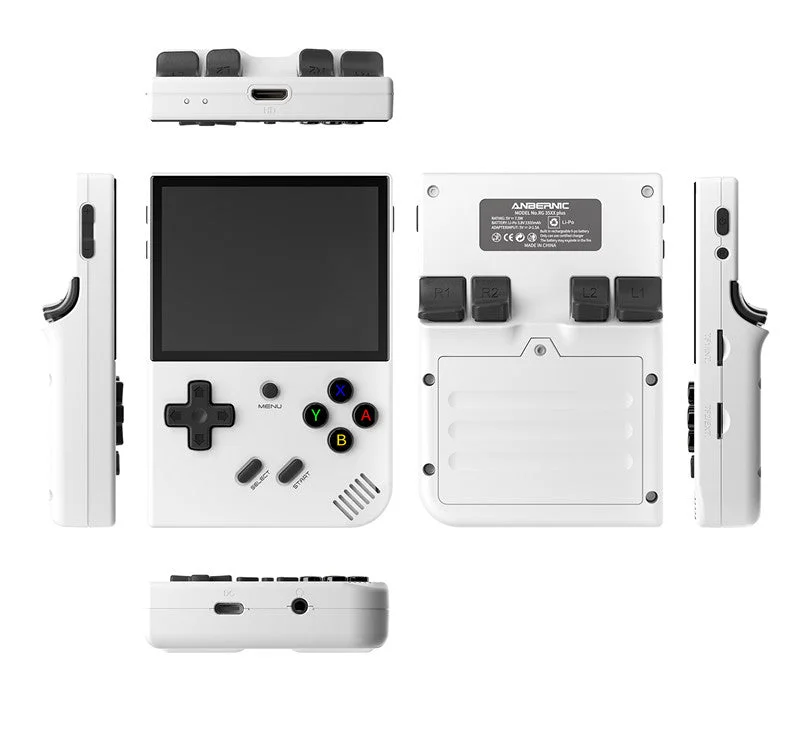
Anbernic RG35XX Plus with KNULLI
A vertical Linux handheld with a documented KNULLI installation path. Prepare your GBA Pokémon patch, check the selected emulator and verify in-game saving.
Setup and device details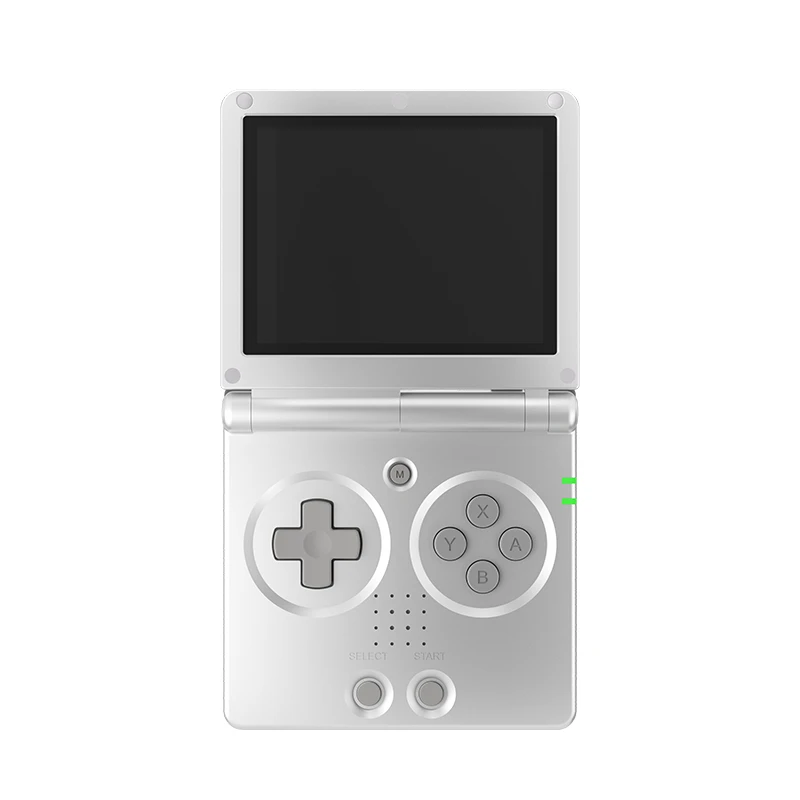
Anbernic RG35XX SP with KNULLI
A clamshell GBA Pokémon setup: patch your game, prepare KNULLI and check what closing the lid actually does before relying on it to protect progress.
Setup and device details
Retroid Pocket 5 (Android)
An Android handheld path for GBA and Nintendo DS Pokémon. Use separate emulator setups and check controls, screen layout and in-game saves.
Setup and device details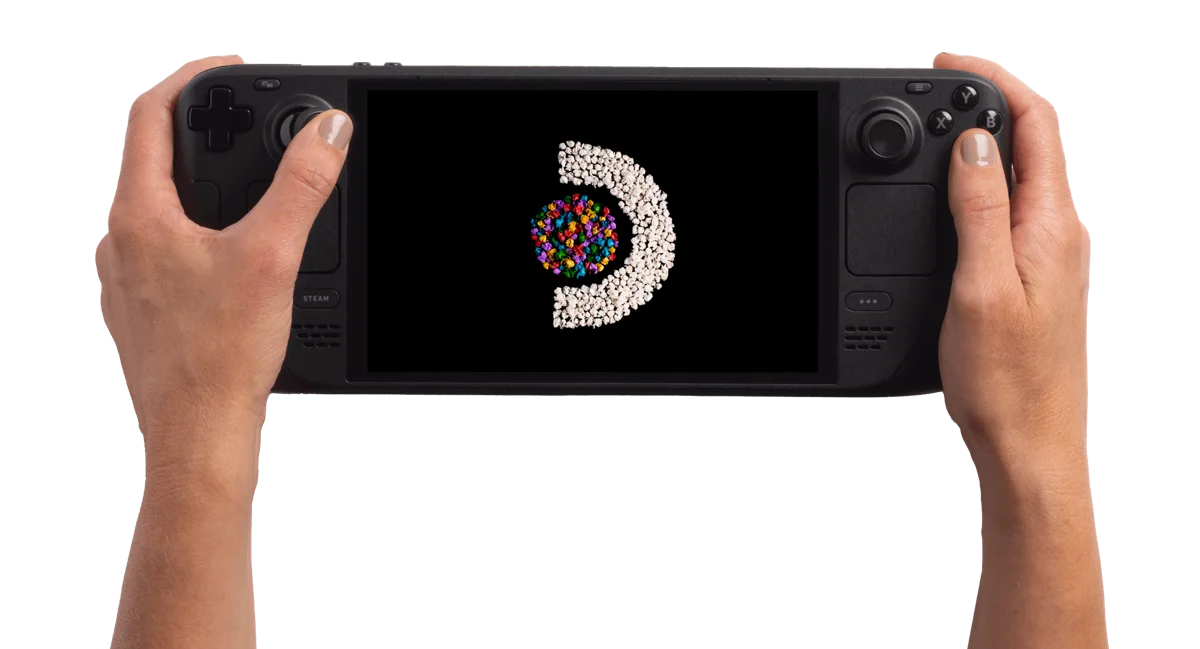
Steam Deck OLED 512GB
A SteamOS handheld PC. Start by checking your games' Deck compatibility and the input they need, then compare its size and screen with how you want to play.
Setup and device detailsRetroid Pocket 5 or Miyoo Mini Plus for Pokémon?
Compare TrimUI Brick with KNULLI and Mini Plus with Onion
Choose the GBA workflow you want to maintain
Start with the exact Pokémon game and a task you want to complete. The same patched GBA output can be part of different software setups, but the library, controls and progress files still need their own configuration.
| Your starting point | Investigate first | Question to resolve |
|---|---|---|
| An existing Onion handheld | Its GBA library, selected core and game remap | Can your prepared game open and Continue correctly? |
| An existing KNULLI handheld | Active storage, per-game settings and hotkeys | Are you editing the configuration used by this game? |
| An Android handheld | App, core, file access and save directory | Which app actually owns the progress? |
| A Steam Deck | Standalone mGBA and the selected launch profile | Do direct and frontend launches open the intended setup? |
Already own a device? Establish a working baseline there before comparing replacements. For a new purchase, name the unmet task—readable move names, comfortable shoulder controls or another platform—rather than assuming a larger specification list solves it.
For shared devices and repeat playthroughs, compare Onion Guest Mode with standalone mGBA player-save files. For KNULLI controls, use its own hotkey configuration guide.
Already patched a game? Find help for a missing entry, failed launch or missing Continue.
A first-session check before a long Pokémon adventure
This is a suggested check, not a measured device result. Keep the exact patched game, software version and core recorded so you can investigate a problem without changing everything together.
- Input: verify movement, confirm, cancel, shoulder controls, Start and Select in the game you actually want to play.
- Readability: inspect dialogue, longer move names, HP and compact menu numbers. For Onion, use the scaling guide to compare image options.
- Progress: save in-game at a recognizable location, close normally and reopen through Continue.
- Pause or shutdown: test the device's own documented behavior separately from saving. Do not infer save success from a resumed picture.
- Backup: locate the cartridge-save file your selected software created and preserve a copy outside the working game folder.
Before updating KNULLI, follow the update and backup guide. If changing KNULLI storage, use the second-card guide before relying on the destination library.
KNULLI GBA games not showing: active card and library checks
Controls, time, trading and save transfers
Steam Deck standalone mGBA: fast-forward and controller profiles
- Miyoo Mini Plus Pokémon fast-forward: Onion controls and checks
- Miyoo Mini Plus Pokémon clock: RTC, WiFi and daily-event checks
- Pokémon GBA trading on Steam Deck: local mGBA setup
- Import a Pokémon GBA save on Retroid Pocket 5
Each guide names its software path and separates documented instructions from untested game behavior.
Which GBA handheld setup fits you?
Miyoo Mini Plus with Onion
Onion 4.3 documents mGBA as its default GBA core. Prepare the matching Mini Plus firmware and SD card, enable GBA and copy the patched .gba file into Roms/GBA.
Heart & Soul on Miyoo Mini Plus: installation and saves
Anbernic RG35XX Plus with KNULLI
A different SD-card and game-library workflow. The RG35XX Plus guide covers model matching, KNULLI installation, per-game emulator settings and save checks.
Anbernic RG35XX SP with KNULLI
Prefer a hinged design? The RG35XX SP guide adds lid-close settings and save checks to the SD-card workflow. Closing the shell is not proof that progress is saved.
TrimUI Brick with KNULLI
The original Brick guide covers a compact vertical alternative, text and shoulder-button checks, and the configurable toggle switch.
Retroid Pocket 5 with Android
Use Android emulator instructions rather than Onion or SteamOS folders. The Pocket 5 overview connects RetroArch/mGBA setup, save locations and matching Pokémon profiles.
Steam Deck with EmuDeck
EmuDeck documents standalone mGBA on SteamOS, with games in Emulation/roms/gba and in-game saves in Emulation/saves/mgba/saves. These paths are relative to your EmuDeck installation.
From patch to playable game
- Open the game profile and match its required base game, region and revision.
- Use the creator's patch instructions. IPS, UPS and BPS are patch formats; the resulting GBA game is the file you open in the emulator.
- Map A, B, L, R, Start and Select. Check text readability and D-pad use.
- Save in-game, close normally and reopen through Continue. Back up that save before changing game version or emulator.
For Gaia, a working input and a missed evolution are different results. Use the game-specific evolution diagnosis before changing the runtime. Record the species, action and location alongside the device setup; an original FireRed trade guide does not establish Gaia’s changed method.
Fast-forward and clock-dependent events need checks with the exact hack and emulator. A platform label does not establish their behavior.
Complete GBA emulator and save guide · Check your base file · Patch locally
Emerald Rogue: a mid-run stop needs the game’s own check
For a run-based game, establish the game-managed stopping point before testing handheld shutdown. Pokabbie’s documented Emerald Rogue workflow uses a REST option; an automatically loaded emulator state can obscure whether you completed that action.
Use the Rogue REST procedure and source boundary first. Then test the installed emulator’s normal exit and reopen route with the same edition and build. Record the game action and the resumed location separately. If your installed menu differs, return to that build’s creator instructions before making a long adventure depend on a guessed save method.
Example: confirm/cancel and text readability work, yet you have only tested sleep with the current scene still open. Controls passed; durable game progress is still untested. Choose a suitable checkpoint, finish the documented game action and verify the normal reopen path. This is a proposed test, not a measured hardware result or cross-edition migration procedure.
If the character is back at the hub, compare the game’s completion/wipe loop before classifying it as lost progress. A game-specific return and a missing save require different evidence.
GBA Pokémon ROM hacks to explore
- Pokémon Unbound — Pokémon FireRed (English v1.0). Check the profile's patch and save requirements.
- Pokémon Heart & Soul — Pokémon Emerald Version (U). Check the profile's patch and save requirements.
- Pokémon Inclement Emerald. Check the profile's patch and save requirements.
These are catalog examples, not a tested compatibility list. Heart & Soul is a GBA demake; its Johto setting does not make it a DS game.
Looking for Nintendo DS instead?
Handhelds for Nintendo DS Pokémon · All Pokémon handheld paths
Find the first failed stage of your GBA setup
- Preparing the game: if the patcher rejects the input, investigate the creator's required base and revision. Use patch diagnosis before changing the handheld.
- Finding the game: if the output does not appear, inspect the active library and file. Follow Onion or KNULLI's discovery guide.
- Launching: if the listed game fails to open, preserve the output and confirm emulator/core and creator requirements.
- Operating: if it opens but inputs or text are awkward, compare the relevant remap or scaling options while keeping the game unchanged.
- Continuing: if progress is missing, identify the cartridge save independently of an automatically restored state.
Example: a new file appears in Onion after refreshing, but opens without your old team. Library discovery is now working. Move to save diagnosis rather than repeatedly refreshing or rebuilding the same game.
Record game release, emulator/core, firmware, launch route and the first failing stage. One change at a time gives you a useful comparison; changing the game, core and card together removes that evidence.
GBA handheld questions
Do I need another handheld for every Pokémon hack?
Check each creator's requirements against your existing setup first. A new hack name does not establish a new hardware requirement.
Does fast-forward prove the game works correctly?
Check ordinary controls, saving and any important game mechanics separately. Acceleration is one behavior, not a complete compatibility result.
What if I also want a standalone fangame?
Read its operating-system and runtime requirements. A GBA emulator does not install a standalone application; use the installation-model guide before expanding the device shortlist.
Keep a handheld session record
A short record helps you compare one change with the previous attempt. For GBA, record what Continue actually shows and the game build you selected, rather than assuming a successful import. Leave anything you have not checked blank: the export marks it as “Not recorded”.
Open the local session notebook
These notes stay in this page’s browser memory. They are not uploaded or saved automatically; reloading clears them. Download the text before leaving if you want to keep it. This tool does not read game files, saves or device settings.
Preview the text export
GBA handheld session notes

User-entered observations; not a compatibility verdict or verified diagnosis.


Device and operating system:
Not recorded

Game and build / edition:
Not recorded

Emulator and core / version:
Not recorded

Launch route:
Not recorded

Task and expected observation:
Not recorded

One change tried:
Not recorded

Observed result:
Not recorded

Next question or action:
Not recorded
Sources and scope
Software documentation checked 4 Oct 2026. Game profiles retain their own source dates. Use legally obtained files; Pocket Deal Radar provides no ROMs, BIOS files or prepatched games.
Based on the creator's documentation, checked 4 Oct 2026. Not hands-on tested unless a section says 'We played it'.
How we check