TrimUI Brick or Miyoo Mini Plus for Pokémon?
Two vertical handhelds, two SD-card workflows. Compare the original plastic Brick with KNULLI and the Mini Plus with Onion before moving your Pokémon adventure.
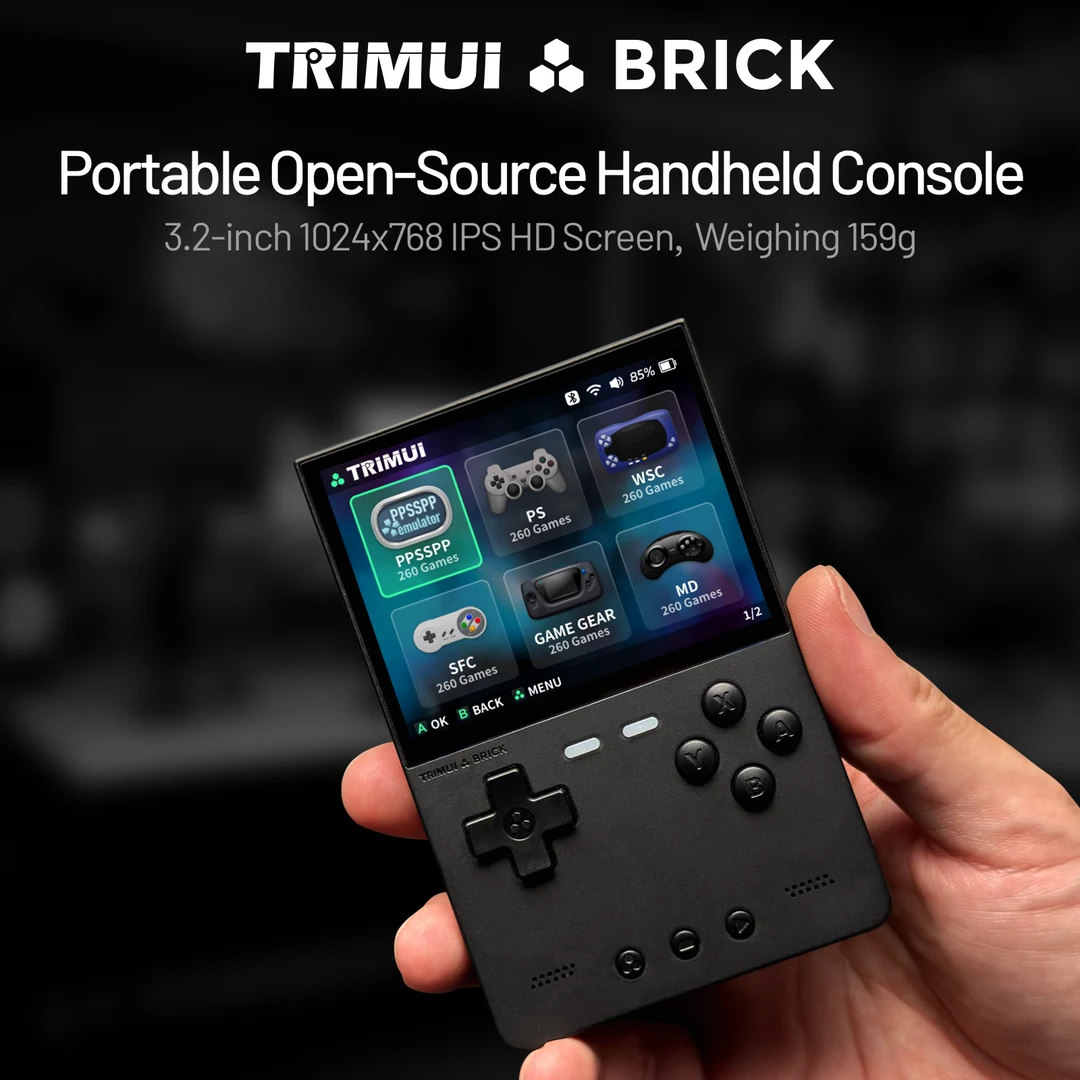
TrimUI Brick with KNULLI
A compact vertical Pokémon handheld path. Prepare a patched GBA game, check text and shoulder controls, and configure the Brick's toggle switch without confusing it with save or fast-forward controls.
Setup and device details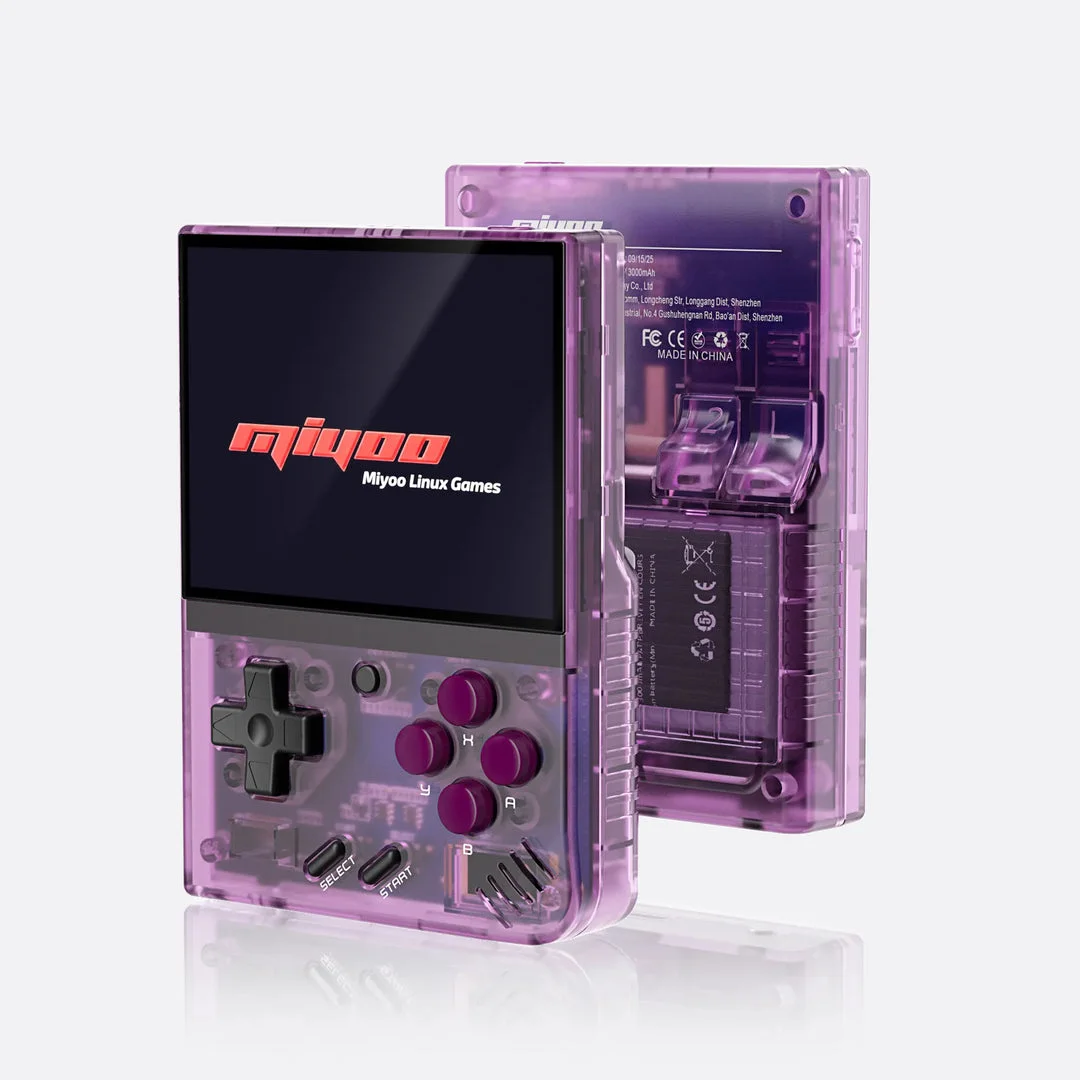
Miyoo Mini Plus with Onion
A retro handheld setup using Onion's documented GBA emulator cores. Check the exact Plus model and firmware before preparing the SD card.
Setup and device detailsThe practical differences
| Task | Original Brick with KNULLI | Mini Plus with Onion |
|---|---|---|
| Prepare software | Flash the exact Brick image; let first boot prepare storage | Check Plus firmware; copy Onion installation files to a FAT32 card |
| Choose GBA emulator | Check available choices through Advanced Game Options | Onion 4.3 documents mGBA as default; check creator requirements |
| Add patched game | GBA system directory under /userdata/roms | Roms/GBA; refresh the game list |
| Find progress | Save area under /userdata/saves; locate the actual core's file | Saves/CurrentProfile/saves/[CORENAME] |
| Extra control | Toggle Switch Mode: mute, RGB or airplane mode | Use Onion's own control instructions; Brick switch settings do not apply |
Which workflow fits your GBA games?
Onion's fresh-install guide uses a FAT32 card and copied installation files. Its GBA page identifies the default core. Start there if you want to follow that specific library setup; changing core still needs a save check.
KNULLI's quick start uses a flashed device-specific image. On Brick, use the matching device guide, then inspect per-game emulator options. Do not copy Onion folders onto KNULLI and expect the same library behavior.
On either device, patch the creator's required base game first. Check D-pad movement, L/R access and battle-menu text. The Brick's listed 3.2-inch screen and pixel resolution describe hardware; they do not settle whether the text is comfortable for you.
Can you move a Pokémon save between them?
Investigate the in-game cartridge save, rather than relying on an emulator save state. Compatibility still depends on the hack version and selected core.
- Save in-game, exit normally and back up the original game and save. Record the hack version and emulator core.
- On the destination, run the same compatible game and create a temporary in-game save. This identifies the filename, format and folder your setup actually uses.
- Quit before replacing that temporary file with a copy of your backed-up save. For Onion, its FAQ describes matching names and case, usually
.srm, under the core's save folder. Other formats may need conversion. - Keep old states backed up separately. Onion documents that an automatically loaded state can hide an imported save; follow its instructions to disable auto-loading or move conflicting states aside.
- Open Continue and check your team, location and progress. Keep the original until the copy loads correctly and saves again.
Onion save import and automatic-state instructions · KNULLI storage layout
Pick the Pokémon game before the device
- Pokémon Unbound — Pokémon FireRed (English v1.0); check its patch and save requirements.
- Pokémon Heart & Soul — Pokémon Emerald Version (U); check its patch and save requirements.
- Pokémon Inclement Emerald — ; check its patch and save requirements.
Heart & Soul on Mini Plus: setup and saves. These links are GBA catalog starting points, not a tested compatibility list.
Fast-forward, clock events and trading need checks with your exact game. This comparison covers GBA; use the DS handheld guide for documented two-screen paths.
Compare the card workflow before changing devices
The important installation distinction is already visible in the software guides: Onion uses its documented copied-file setup, while KNULLI uses a device-specific flashed image. Read the route you will actually maintain before treating two vertical shells as interchangeable.
| Task | Question for Onion | Question for KNULLI |
|---|---|---|
| Prepare the device | Does the Plus firmware match Onion's requirements? | Is the image for this exact Brick model? |
| Add a game | Is the prepared file in the enabled library and refreshed? | Is it in the active game storage and updated list? |
| Change one game's controls | Is the intended game remap being saved? | Are the per-game and global settings distinct? |
| Move progress | Which core folder and cartridge file are actually used? | Which selected core and save file does the game use? |
Use KNULLI settings hierarchy for a change that reverts. Use Onion discovery checks for a missing file. Those symptoms do not require changing the shell or repatching a working game.
Compare readability and controls using one routine
- Read a normal dialogue box and a longer move name on each available setup.
- Open the party summary and inspect small numbers rather than only large sprites.
- Reach shoulder controls and the documented emulator menu without losing a comfortable grip.
- Test any configured switch or shortcut in a harmless session and identify its actual action.
- Make an in-game save and repeat Continue after closing normally.
Example: if the Brick's switch is configured for mute, its silence is not evidence that a game has paused or saved. Verify the switch setting and use the software's own pause or exit workflow. If Mini Plus text is difficult, compare its scaling options before deciding whether another display answers the problem.
When migrating storage on KNULLI, follow the active-storage and backup guide. A copied game appearing in a list does not establish that the intended progress file moved with it.
Brick versus Mini Plus questions
Can I copy the Onion card structure onto KNULLI?
Use the destination firmware's documented paths. Transfer the prepared game and compatible progress through the expected locations, rather than treating the whole library layout as portable.
Does the extra switch replace emulator hotkeys?
Check the configured switch action separately. Maintain a reliable way to pause, exit and save through the installed software.
Before choosing
Confirm the exact model, card, condition and return terms. No live price or stock is tracked. For detailed sources and device checks, open the original Brick overview or Mini Plus overview.
All GBA setup paths · Pokémon handheld choice · KNULLI toggle-switch controls
Software sources checked 4 Oct 2026. Reused manufacturer photos are credited with each device; they are not our test photos.
Based on the creator's documentation, checked 4 Oct 2026. Not hands-on tested unless a section says 'We played it'.
How we check