Pokémon Unbound on TrimUI Brick: KNULLI setup and saves
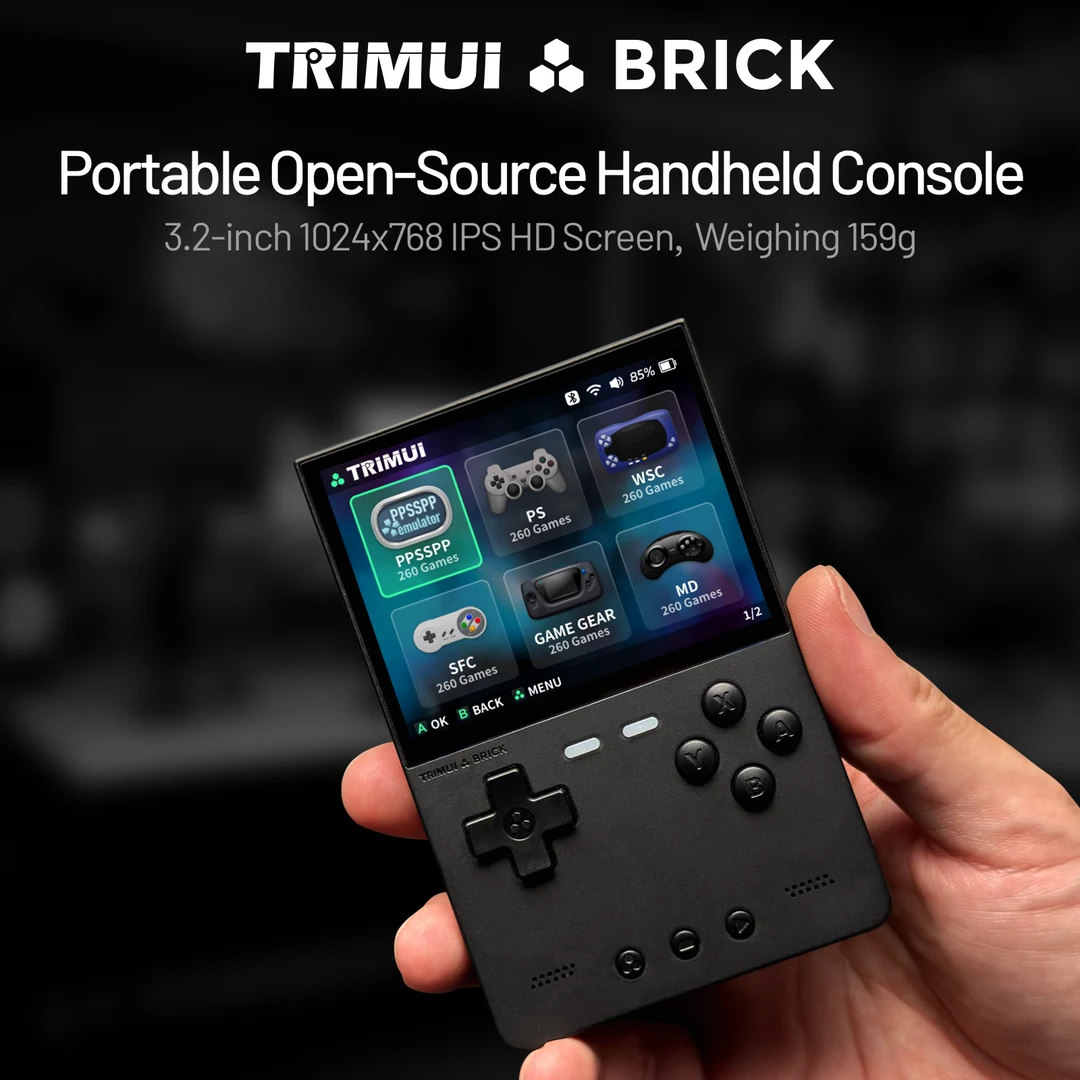
What you need
- An original plastic TrimUI Brick with a matching KNULLI installation.
- The creator's main-game Unbound patch, its README and your legally obtained matching base game.
- SD-card access and separate backups of the game, in-game save and any states.
Check your base file, then apply the UPS patch locally. The result is the game file you transfer.
Start with the main-game patch
The creator distinguishes the story campaign from the separate Battle Frontier Demo. Choose the main-game package for the Borrius adventure. Our catalog records an English FireRed v1.0 base and UPS patch; match the included README before patching. Do not apply the patch to an already modified FireRed game.
Keep the clean base unchanged and save the patched result as a new .gba file. A .ups file is only the patch. Consult the creator's update instructions for your exact build.
Add Unbound to KNULLI
Use the original Brick device page and KNULLI quick start to prepare the matching image. Back up the card before flashing. Choose storage, then copy the patched .gba into the GBA system directory under /userdata/roms, rather than Onion's Roms/GBA folder.
Inspect Advanced Game Options and the GBA core actually available in your installed build. If choosing mGBA, consult its core documentation. No default Brick core or measured Unbound speed is asserted here. Make persistent emulator changes through KNULLI's game settings.
Check controls and the first save
Confirm the Unbound title screen. Start a disposable new game, inspect battle-menu text and map the D-pad, A/B, L/R and Start/Select. The creator's FAQ says L and R reveal more pages in the game's Options Menu, so test both shoulders rather than only walking and confirming dialogue.
Use the game's own Save command, exit normally, reopen and check Continue. Check time-dependent behavior after restarting without changing the clock mid-playthrough. The creator describes daily events, but that does not verify clock handling on your Brick/core combination.
Protect an existing Unbound save
Back up the source cartridge save and record its Unbound version and core. Before importing it, run the compatible game on the destination and make a temporary save to identify the actual filename and location. KNULLI documents save/state storage under /userdata/saves.
For the mGBA core, Libretro documents .srm cartridge saves in the frontend's Save directory; save states are separate. Quit before copying files. Work on a copy, match the expected filename and case, and keep old states separate so they do not mask the imported progress. Verify team, location and Continue, then save again before trusting the copy.
If Unbound is missing, crashes or shows the wrong progress
For a missing entry, check the selected storage, GBA directory and .gba game file. For a checksum failure, recheck the clean base and creator's patch instead of bypassing validation. For a boot problem, preserve backups and try a fresh start without importing a state.
The creator's emulator FAQ contains a warning about BIOS-loader startup for its documented build. If startup fails, compare your exact release README with the selected core's BIOS options; match that FAQ to your installed release. Do not download a BIOS or prepatched bundle as a troubleshooting shortcut.
Record the patch/build, base revision, KNULLI version, selected core, settings and failure point before seeking help. Changing device firmware, core and hack version together makes it harder to identify the cause.
Continue with game and device details
Pokémon Unbound game profile · TrimUI Brick with KNULLI overview · Brick versus Mini Plus: setup and moving saves · General GBA setup checklist.
Sources
- Unbound creator: main game, emulator FAQ and game options
- KNULLI: original Brick device
- KNULLI: installation
- KNULLI: game and save storage
- KNULLI: persistent game settings
- Libretro: mGBA files, cartridge saves and BIOS options
No ROM, BIOS, prepatched game or affiliate buying links.
Based on the creator's documentation, checked 4 Oct 2026. Not hands-on tested unless a section says 'We played it'.
How we check